Reliable Transportation Starts Here.
Who is Eligible?
If you believe you meet these criteria, we encourage you to apply.
We serve:
Single mothers
Widows
Wives of deployed military personnel
Applicants must have:
A valid driver’s license or state ID
Demonstrated financial need
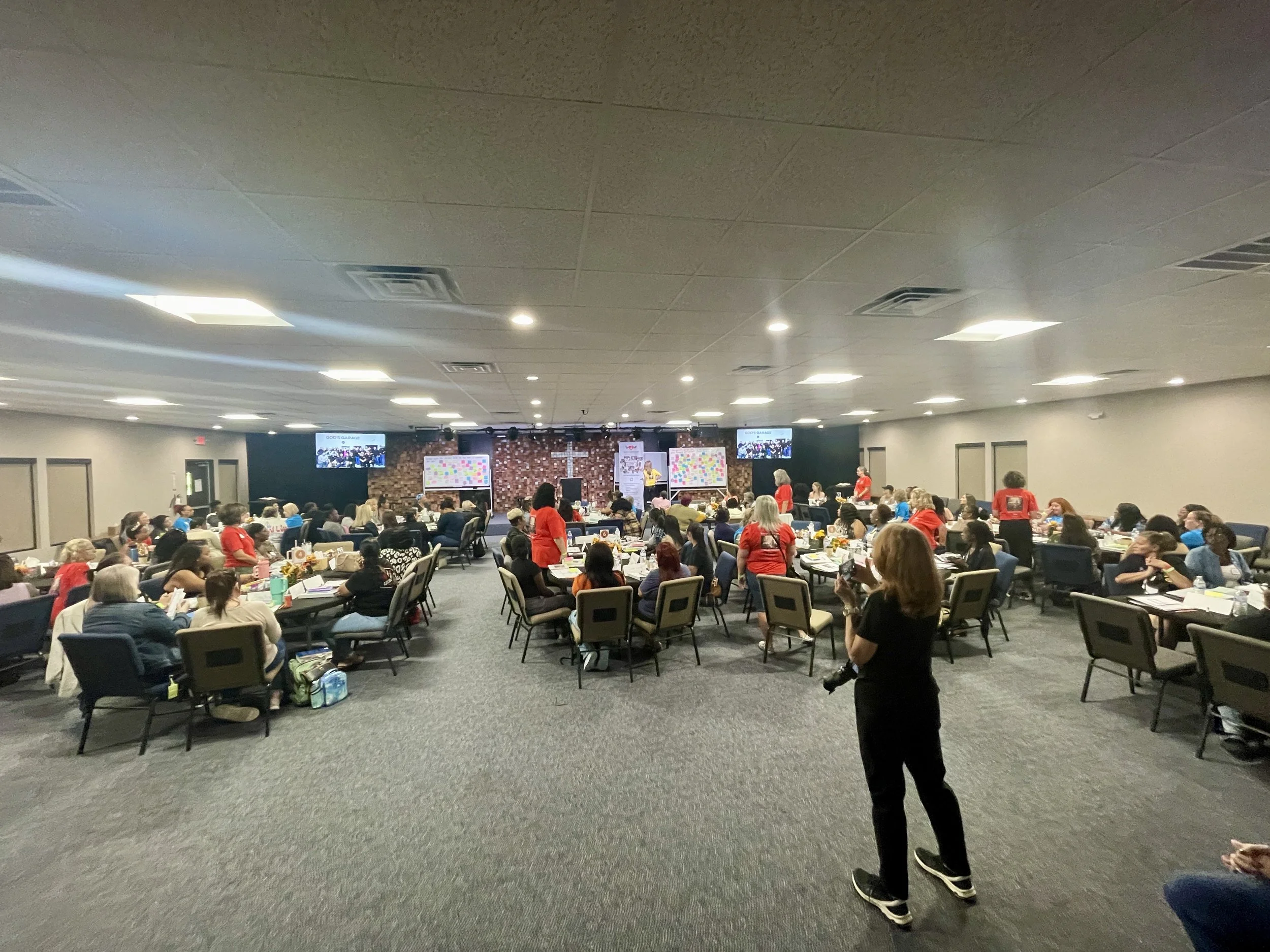
A willingness to participate in the required Restore U life-skills seminar
How It Works
1. Submit Your Application
Create an account in our secure application system, The One, and complete your application in full. The system will guide you through each section and show you which documents are required, such as proof of income, residence, identification, and vehicle information (if applicable). Once submitted, your application enters our review process, and you can log in anytime to check your status or update information.
2. Qualified Applicants are Invited to Attend our Restore U Seminar
Applications are carefully reviewed based on eligibility, demonstrated need, and available resources. If selected to move forward, you will be invited to attend our required Restore U Seminar, which provides practical life-skills and tools such as budgeting guidance, job preparation support, and personal development training. Not all applicants are invited to this step due to limited capacity.
3. Qualified Applicants Receive our Assistance with Vehicles or Vehicle Repairs
Attendance at the Restore U seminar is part of the overall evaluation process. Following participation, a final determination is made regarding vehicle repair assistance or vehicle gifting. While we prayerfully consider every situation, participation in Restore U does not guarantee assistance. Final decisions are based on eligibility, need, and available resources at the time.
Additional Community Resources
While God’s Garage focuses on vehicle assistance and life-skills training, we understand that life challenges often overlap. If you’re also navigating needs related to housing, food, healthcare, or general support, we’ve gathered trusted community resources that may be helpful.
Vehicle Assistance Application FAQs
Still have questions? Take a look at the FAQ or reach out anytime. If you have more questions, feel free to reach out.
-
Visit godsgarage.org/get-help and click “Apply for Help.” Create an account through The One online platform, using your email and password, then log in and follow the step-by-step instructions to complete your application.
-
Yes. Your application saves automatically as you complete each section. You can log out and return at any time to continue where you left off.
-
Required documents vary depending on your situation. The application system will show you exactly what is needed, but you may be asked to upload:
Valid driver’s license or state ID
Proof of income (recent pay stubs, tax return, or benefits documentation)
Proof of residence (utility bill or lease agreement)
Vehicle registration (if requesting repairs)
Insurance documentation (if applicable)
Any additional documents specific to your application
Incomplete applications cannot move forward, so please ensure all requested documents are uploaded.
-
Check the “Submission” section in your account. It will tell you if any required fields or documents are missing. All required information must be completed before submission.
-
Log into your account in The One to view the most current status updates. Due to high application volume, we are unable to provide additional status information outside the system.
-
Please refer to the email you received for details regarding your application decision.
-
Log into your account and navigate to your profile section (accessible from the top right corner). There you can update your contact information and account details.
-
Yes. You can update your email address in your profile settings. You will need to verify the new email before the change takes effect.
-
Click “Forgot Password?” on the login page and follow the instructions to reset it.
-
If you're experiencing technical problems with the application system:
Make sure all required fields are completed
Confirm documents are properly uploaded
Try using a different web browser
Clear your browser cache and cookies
If issues persist, contact technical support.